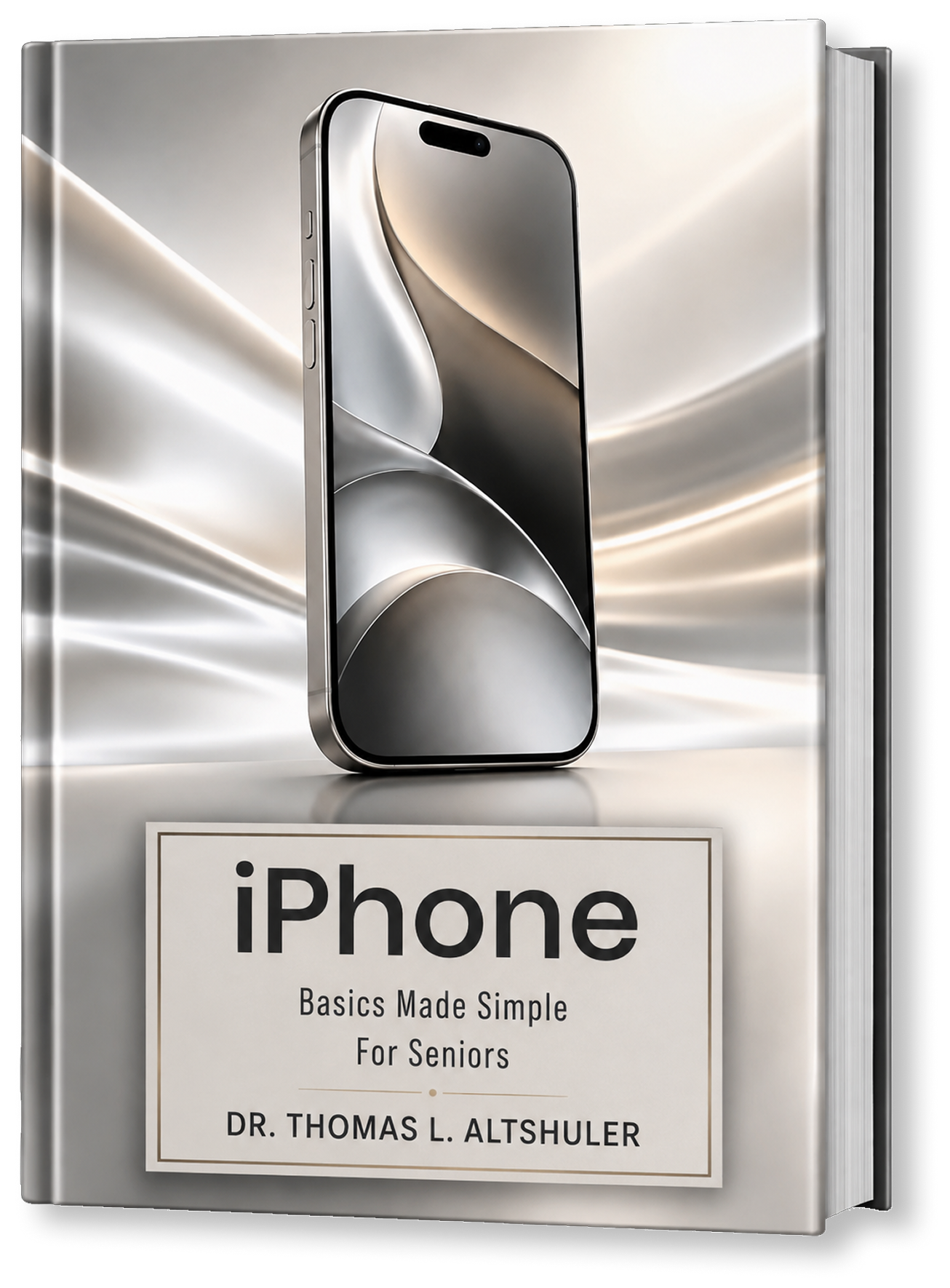
Technology should make everyday life easier, not more complicated. Dr. Thomas L. Altshuler created his practical iPhone and Mac guides to help seniors understand essential technology through clear instructions, real screen examples, helpful visuals, and simple steps. From making calls and managing appointments to using the internet, email, Siri, and everyday computer features, each guide helps readers build confidence and use technology more independently.
Learn how to turn your iPhone on and off, understand the Home Screen, recognize important icons, and move between screens with greater confidence.
Find, create, and edit contacts, make telephone calls, answer incoming calls, adjust call volume, and quickly reach the people who matter most.
Read and reply to text messages, create new conversations, use the Calendar, check your schedule, and add appointments with important details.
Learn how to open the Camera, take photographs and videos, view your pictures, enlarge images, share them, and remove the ones you no longer need.
Use Safari and Google to find information online, learn simple search techniques, and use Siri or voice search when typing is less convenient.
Understand common scam warning signs, protect personal information, recognize suspicious requests, and learn how to access useful iPhone Settings.
Focus on the iPhone and Mac features people use in everyday life, without overwhelming readers with unnecessary technical information.
Straightforward explanations use familiar language to make essential technology easier to understand, follow, and remember.
Each task is broken into manageable steps, helping readers move from one action to the next with greater confidence.
Screenshots, icons, figures, and visual examples show readers what to look for and what should appear on their screen.
Created with older adults in mind, these guides focus on clarity, readability, useful features, and learning at a comfortable pace.
Dr. Thomas L. Altshuler brings decades of experience as a scientist, engineer, educator, researcher, and author to his work. He earned his doctorate in physical metallurgy, now known as Materials Science, from Oxford University and later served as a professor in the engineering departments at Dartmouth College and Northeastern University. He also founded and operated Advanced Materials Laboratory, Inc., where he conducted research in the physics of materials.
His career includes an IR 100 Award and the publication of 35 scientific papers, including work published in peer-reviewed technical journals. Now, he applies that same commitment to clarity and practical learning to helping seniors understand modern technology. Drawing on his own experience with aging, Dr. Thomas created his Basics Made Simple guides to explain useful iPhone and Mac features through straightforward instructions, visual examples, and manageable steps.
About the Author
Dr. Thomas L. Altshuler brings decades of experience as a scientist, engineer, educator, researcher, and author to his work. He earned his doctorate in physical metallurgy, now known as Materials Science, from Oxford University and later served as a professor in the engineering departments at Dartmouth College and Northeastern University. He also founded and operated Advanced Materials Laboratory, Inc., where he conducted research in the physics of materials.
His career includes an IR 100 Award and the publication of 35 scientific papers, including work published in peer-reviewed technical journals. Now, he applies that same commitment to clarity and practical learning to helping seniors understand modern technology. Drawing on his own experience with aging, Dr. Thomas created his Basics Made Simple guides to explain useful iPhone and Mac features through straightforward instructions, visual examples, and manageable steps.
About the AuthorThis guide made my iPhone much less confusing. The instructions are clear, the visuals are helpful, and I was able to follow the steps without feeling overwhelmed.
A very practical book for seniors who want simple instructions. I especially liked how it explains everyday features in a way that is easy to understand.
I have tried other technology books before, but this one is much easier to use. It helped me feel more comfortable with my phone and less afraid of making mistakes.
The step-by-step format is excellent. I was able to learn how to manage contacts, make calls, and use other important features without needing constant help.
This is exactly the kind of guide many seniors need. The explanations are simple, the book is well organized, and the screenshots make everything easier to follow.
I appreciate how focused this book is on useful everyday tasks. It does not overload the reader with unnecessary details and makes technology feel much more approachable.
A thoughtful and easy-to-follow guide. It helped me better understand my device and gave me more confidence using features I had avoided before.
Very well done and easy to read. The clear instructions and helpful visuals make this a valuable resource for anyone who wants to learn iPhone or Mac basics at a comfortable pace.
This guide made my iPhone much less confusing. The instructions are clear, the visuals are helpful, and I was able to follow the steps without feeling overwhelmed.
A very practical book for seniors who want simple instructions. I especially liked how it explains everyday features in a way that is easy to understand.
I have tried other technology books before, but this one is much easier to use. It helped me feel more comfortable with my phone and less afraid of making mistakes.
The step-by-step format is excellent. I was able to learn how to manage contacts, make calls, and use other important features without needing constant help.
This is exactly the kind of guide many seniors need. The explanations are simple, the book is well organized, and the screenshots make everything easier to follow.
I appreciate how focused this book is on useful everyday tasks. It does not overload the reader with unnecessary details and makes technology feel much more approachable.
A thoughtful and easy-to-follow guide. It helped me better understand my device and gave me more confidence using features I had avoided before.
Very well done and easy to read. The clear instructions and helpful visuals make this a valuable resource for anyone who wants to learn iPhone or Mac basics at a comfortable pace.
A thoughtful and easy-to-follow guide. It helped me better understand my device and gave me more confidence using features I had avoided before.
I appreciate how focused this book is on useful everyday tasks. It does not overload the reader with unnecessary details and makes technology feel much more approachable.
This is exactly the kind of guide many seniors need. The explanations are simple, the book is well organized, and the screenshots make everything easier to follow.
The step-by-step format is excellent. I was able to learn how to manage contacts, make calls, and use other important features without needing constant help.
I have tried other technology books before, but this one is much easier to use. It helped me feel more comfortable with my phone and less afraid of making mistakes.
A very practical book for seniors who want simple instructions. I especially liked how it explains everyday features in a way that is easy to understand.
This guide made my iPhone much less confusing. The instructions are clear, the visuals are helpful, and I was able to follow the steps without feeling overwhelmed.
Very well done and easy to read. The clear instructions and helpful visuals make this a valuable resource for anyone who wants to learn iPhone or Mac basics at a comfortable pace.
A thoughtful and easy-to-follow guide. It helped me better understand my device and gave me more confidence using features I had avoided before.
I appreciate how focused this book is on useful everyday tasks. It does not overload the reader with unnecessary details and makes technology feel much more approachable.
This is exactly the kind of guide many seniors need. The explanations are simple, the book is well organized, and the screenshots make everything easier to follow.
The step-by-step format is excellent. I was able to learn how to manage contacts, make calls, and use other important features without needing constant help.
I have tried other technology books before, but this one is much easier to use. It helped me feel more comfortable with my phone and less afraid of making mistakes.
A very practical book for seniors who want simple instructions. I especially liked how it explains everyday features in a way that is easy to understand.
This guide made my iPhone much less confusing. The instructions are clear, the visuals are helpful, and I was able to follow the steps without feeling overwhelmed.
This is extended placeholder text written in simple English. It is used to fill space in documents, websites, books, and design layouts.